
Filter Presets
HivePBXUpdated 10/15/2026
Save Filter Presets
You can save your filter selections as a preset so you can apply them to your reports more easily in the future.
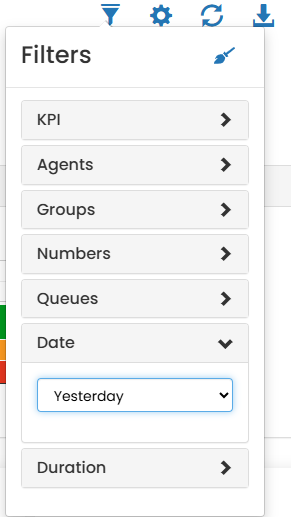
- Apply desired filters or apply existing filter and update selections
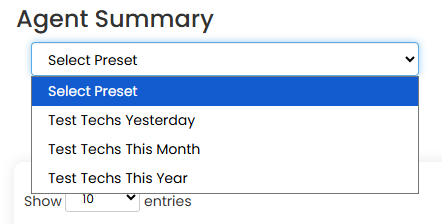
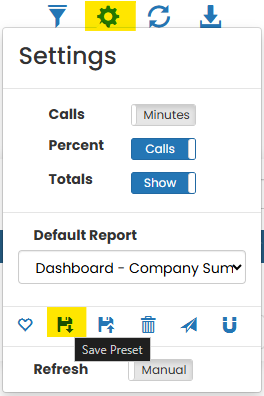
- Open Settings and click Save Preset
- Click the plus to create a new preset or chose an existing preset to overwrite.
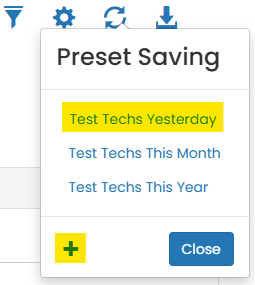
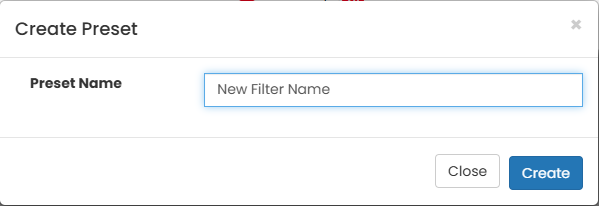
- Click create to save the filter preset or confirm if overwriting an existing preset
Was this helpful?