
How to Reset or Change Your Password
If you are having trouble logging in, forgot your password, want to reset or change your password, you can simply send a Don't remember my password request to Identillect.
Instructions
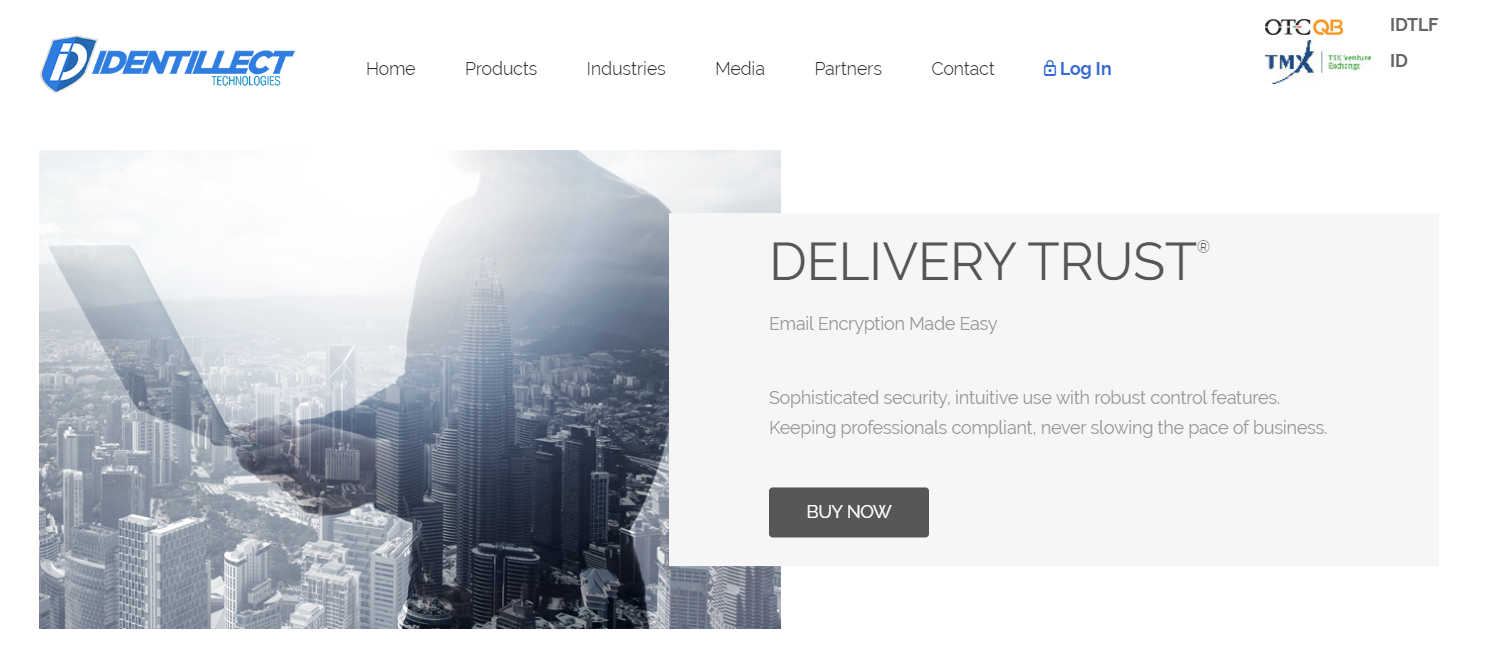
1. Click on Log In
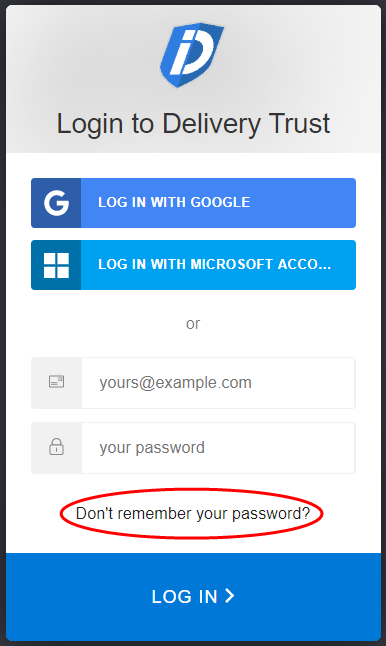
2. Click on Don’t remember your password?
3. Enter your registered Delivery Trust email address
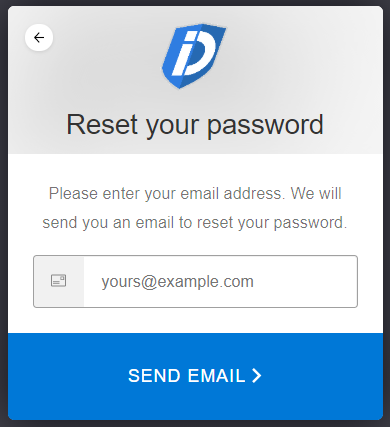
4. Click on Send Email
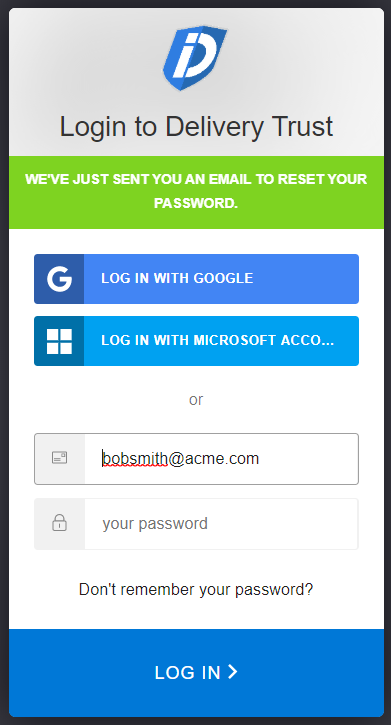
Once you receive the email to reset your password, you should be able to log into the Identillect Web Portal or activate your Delivery Trust add-in.
Related Topics
Was this helpful?