
New Outlook Add-in: How to read a secure email
These steps allow a user to read an inbound secure email from another user. The secure email will auto-decrypt in their inbox.
Instructions
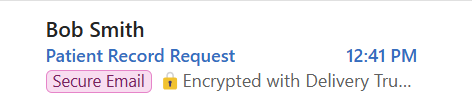
1. Click to open the secure email in your inbox
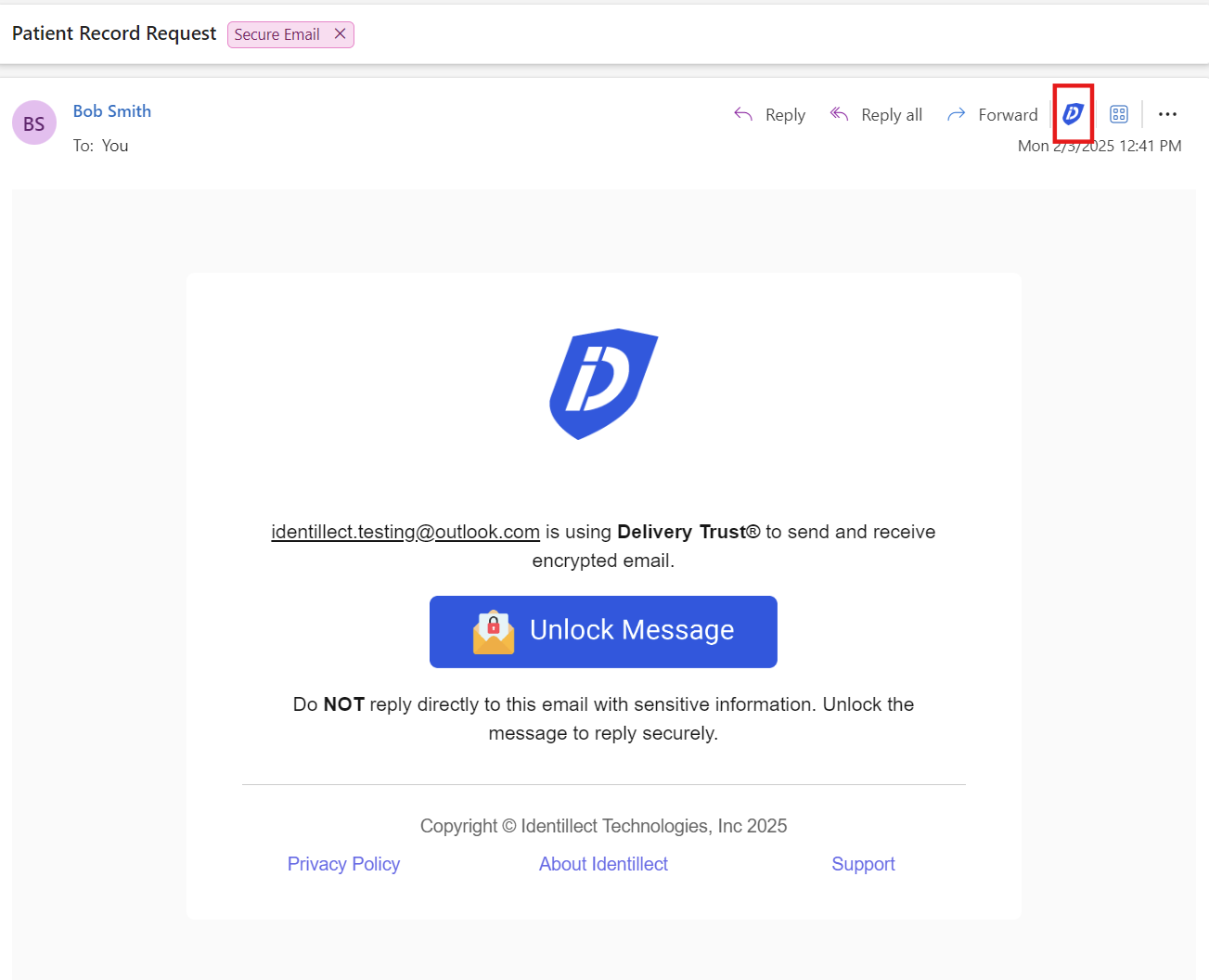
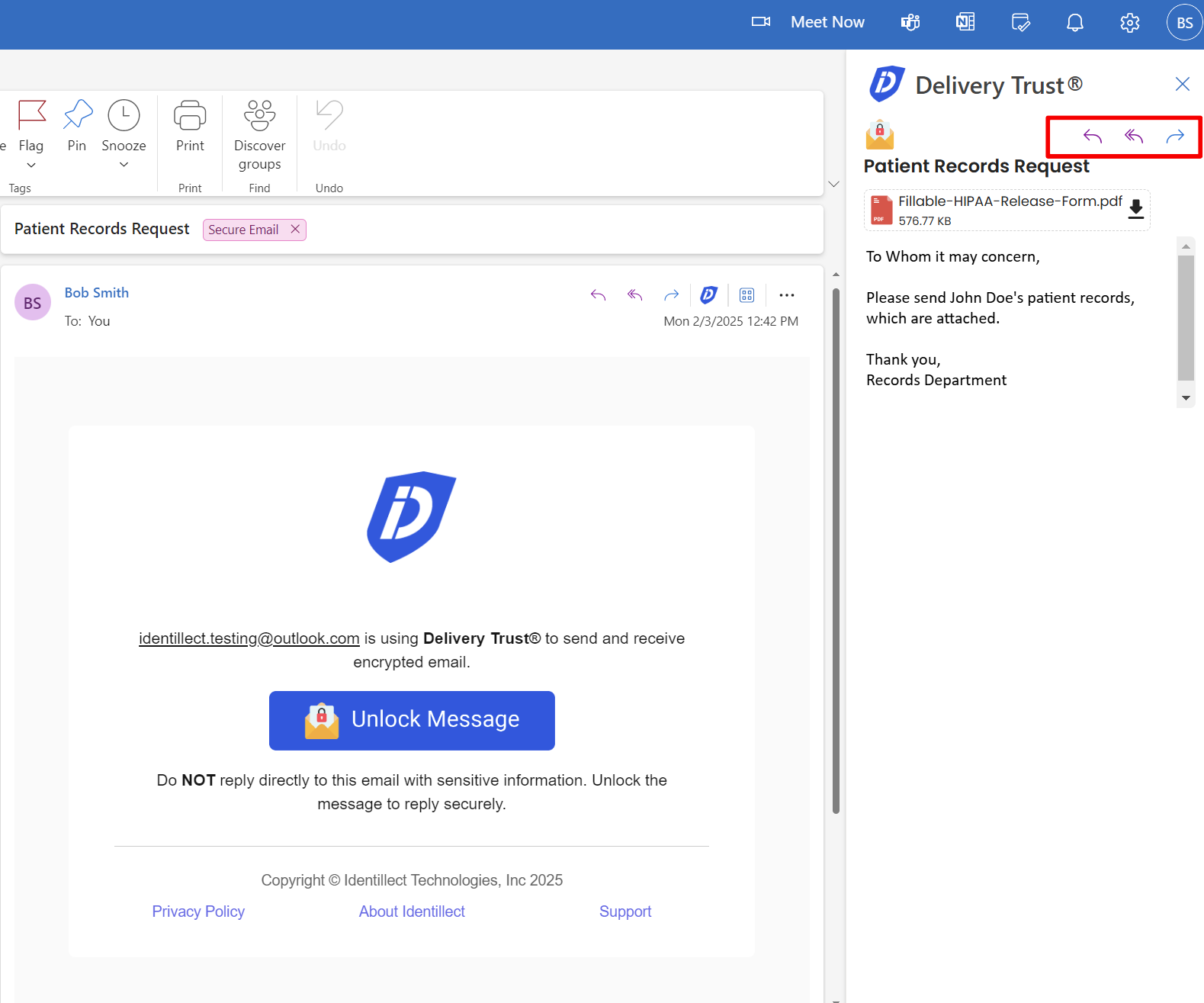
2. Click on the Delivery Trust Icon and a panel will display on the right with the contents of the email
To Reply or forward the secure email securely click on the reply, reply all, or forward button within the panel
Related Topics
Was this helpful?