
Web Portal: How to Add to Mobile Device Home Screen
The Web Portal is accessible on any web browser with an internet connection including any mobile device. The Delivery Trust Web Portal can be added to your home screen and this will allow you to conveniently select the created icon for easy navigation.
Instructions for iPhone
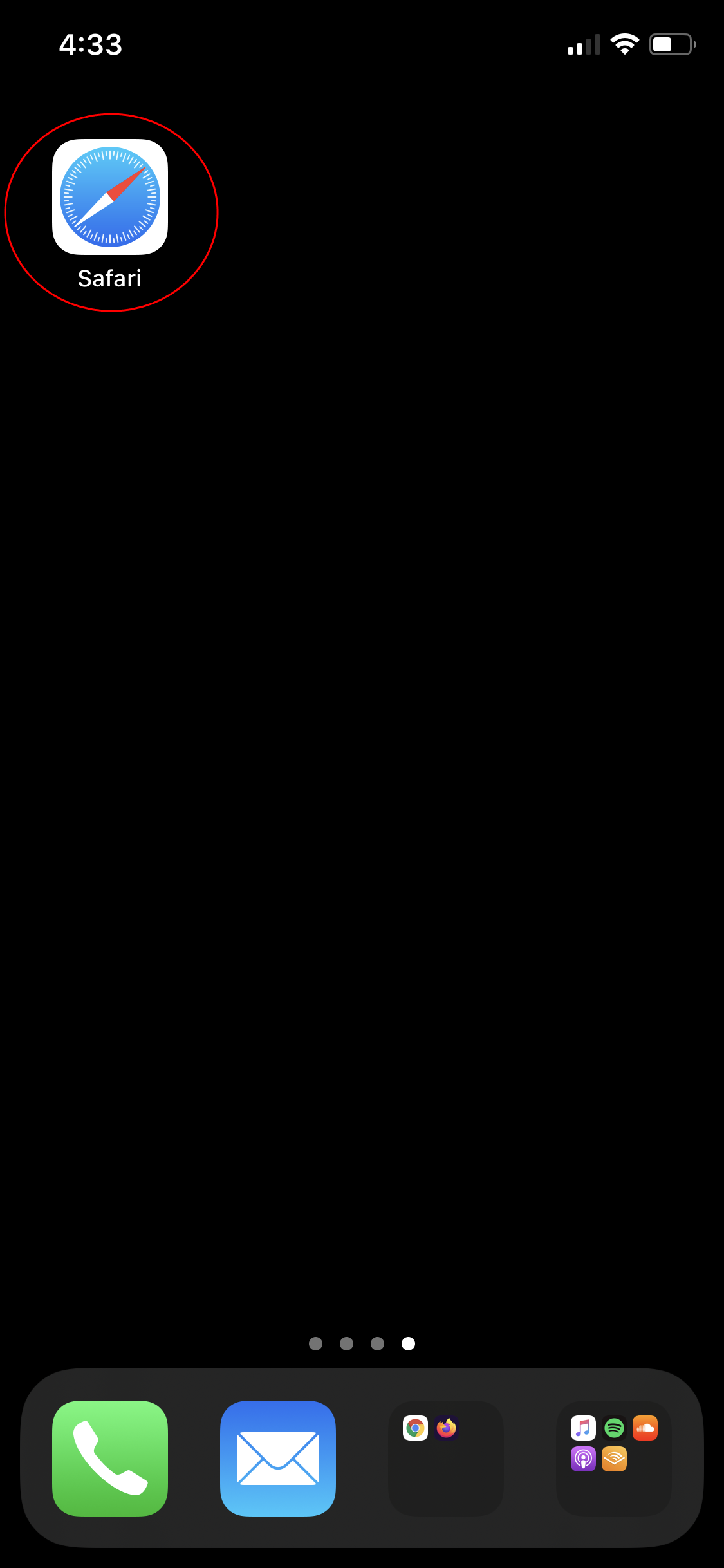
1. Select the Safari application (web browser).
 2. Navigate to identillect.com.
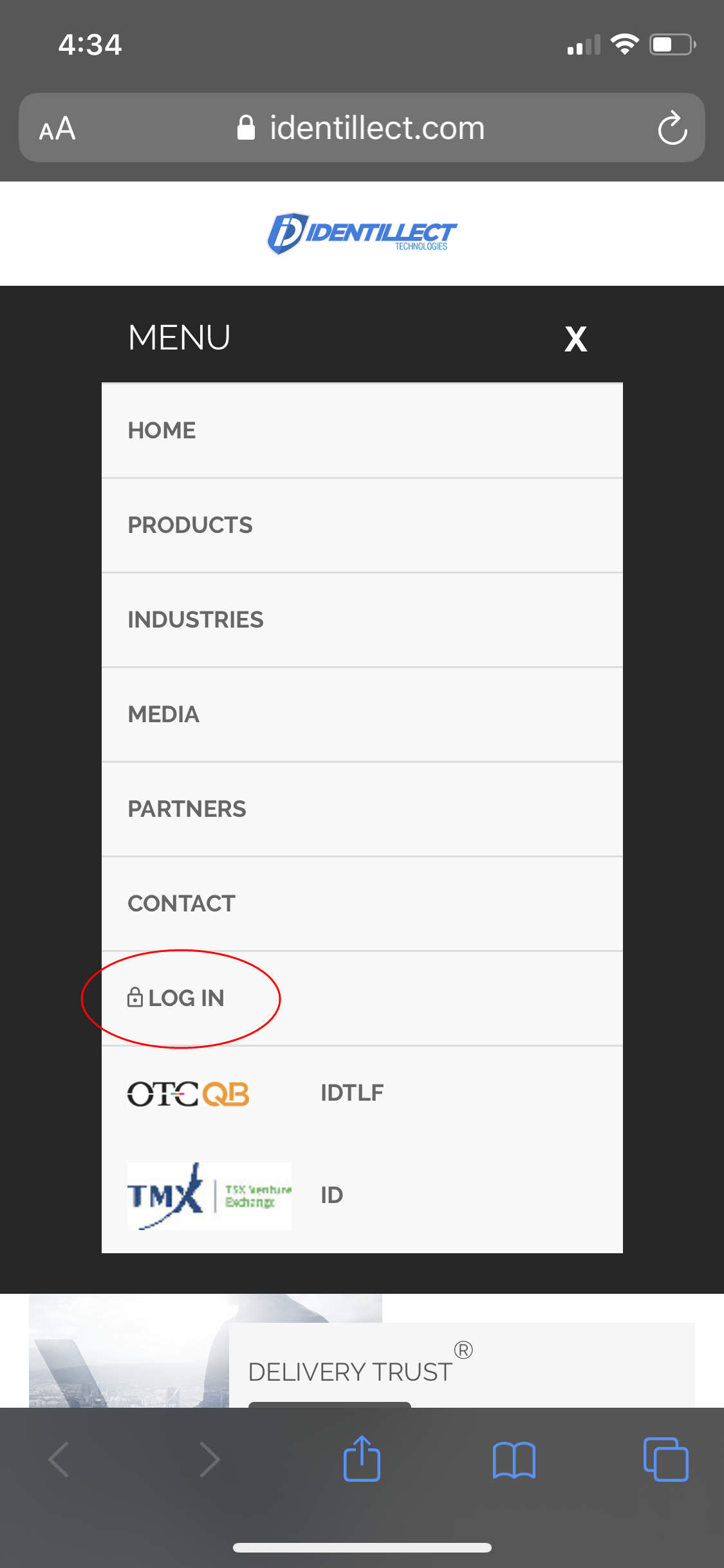
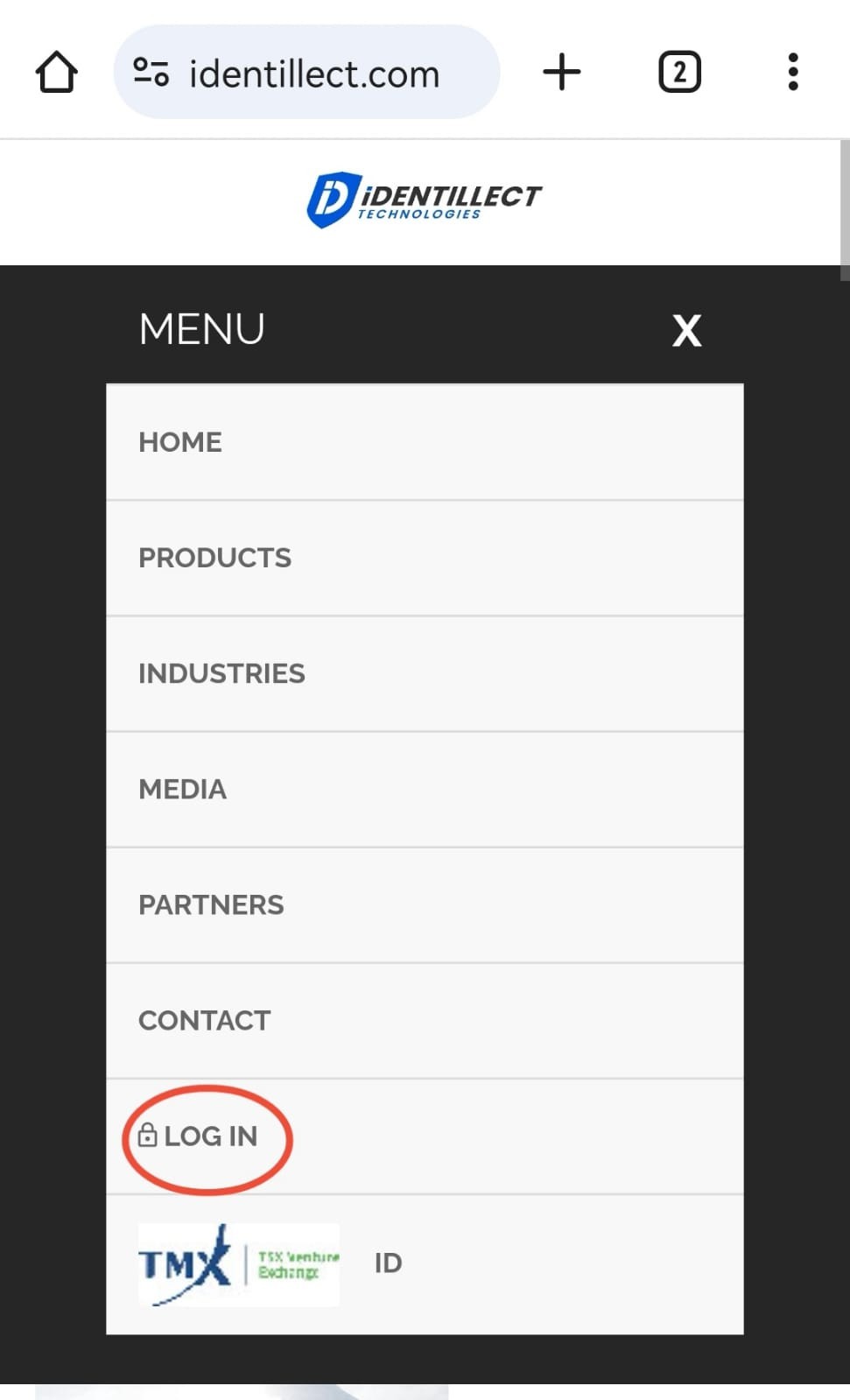
3. Expand MENU and select LOGIN.
2. Navigate to identillect.com.
3. Expand MENU and select LOGIN.
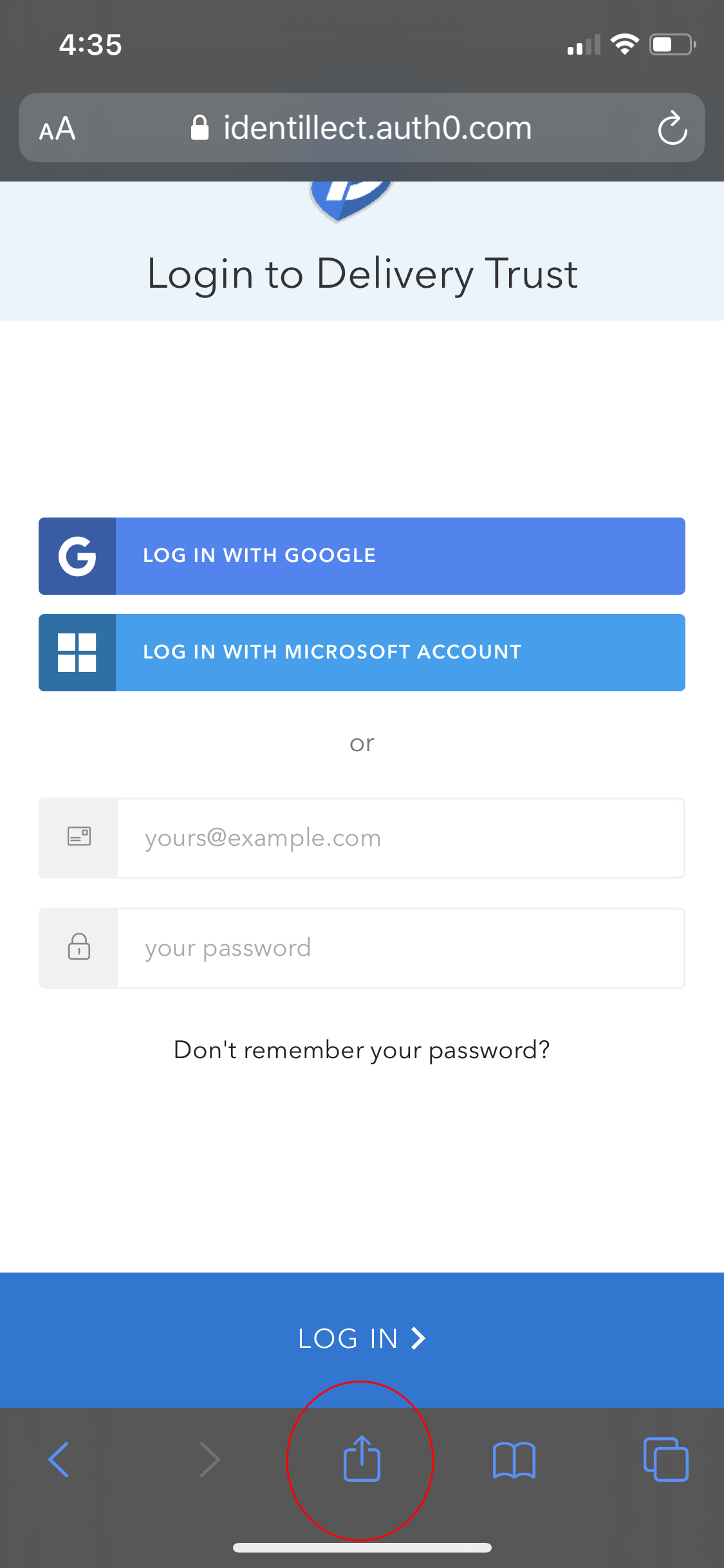
 4. On the resulting page, select the Action button located on the bottom middle of toolbar.
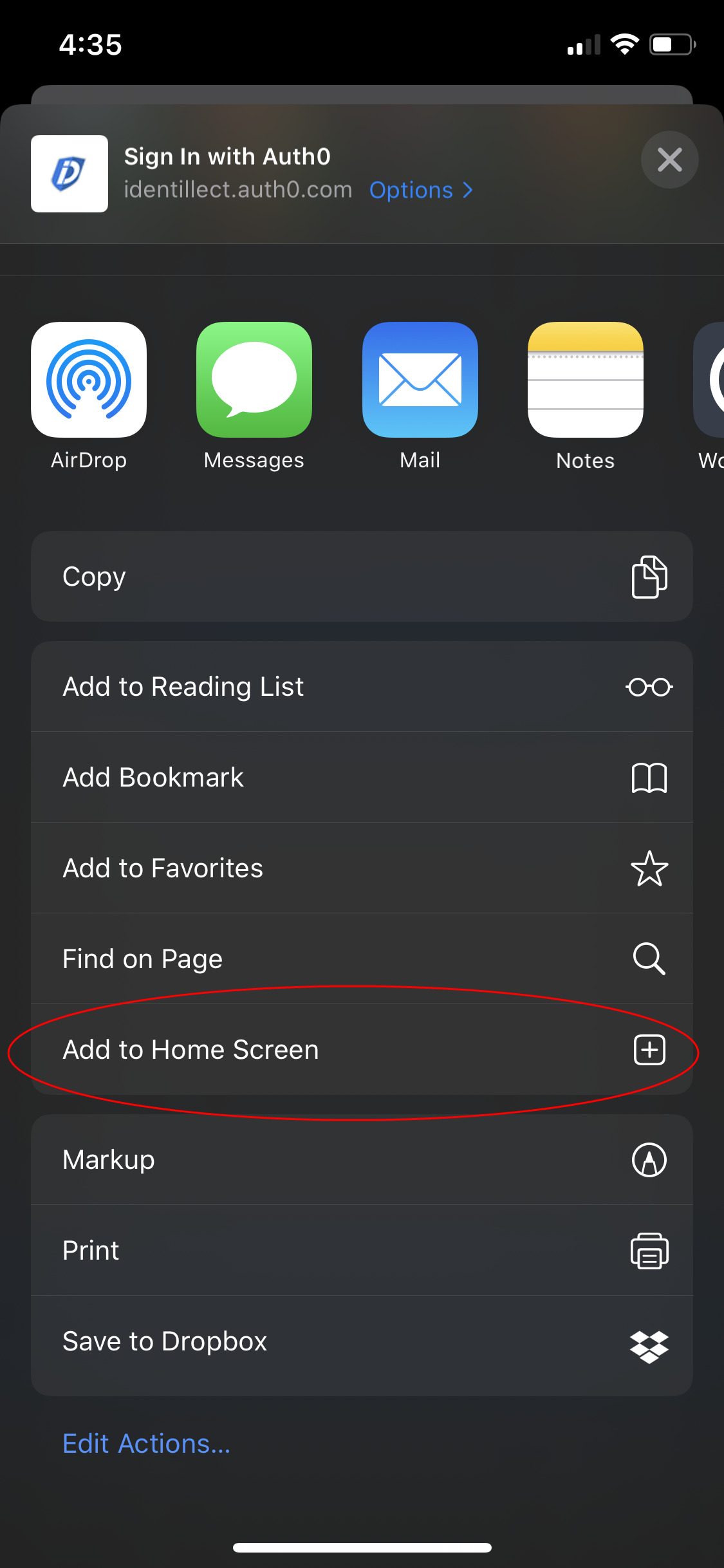
 5. Select Add to Home Screen (may need to scroll down to see additional icons) and enter display name for icon.
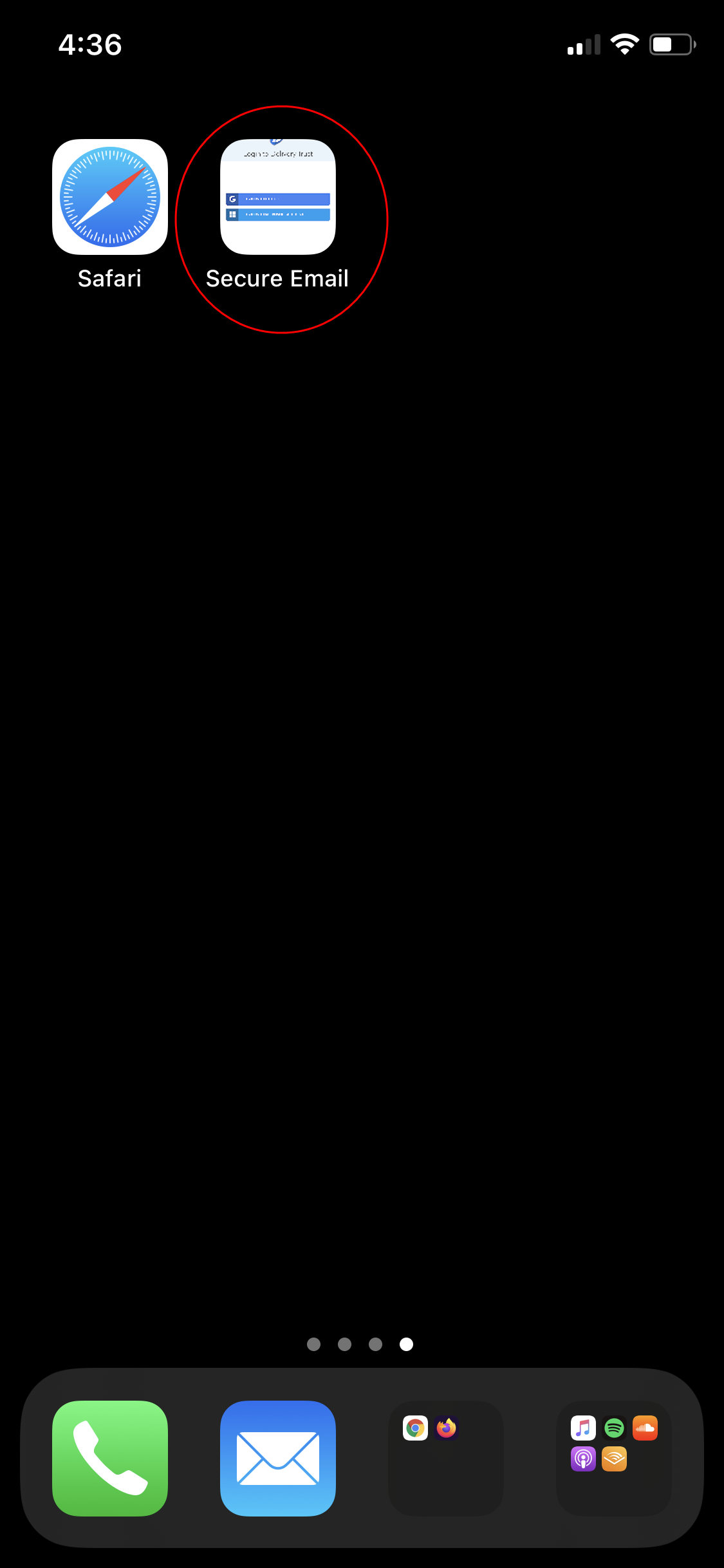
You've successfully added the Delivery Trust Web Portal to your iPhone Home Screen.
Instructions for Android
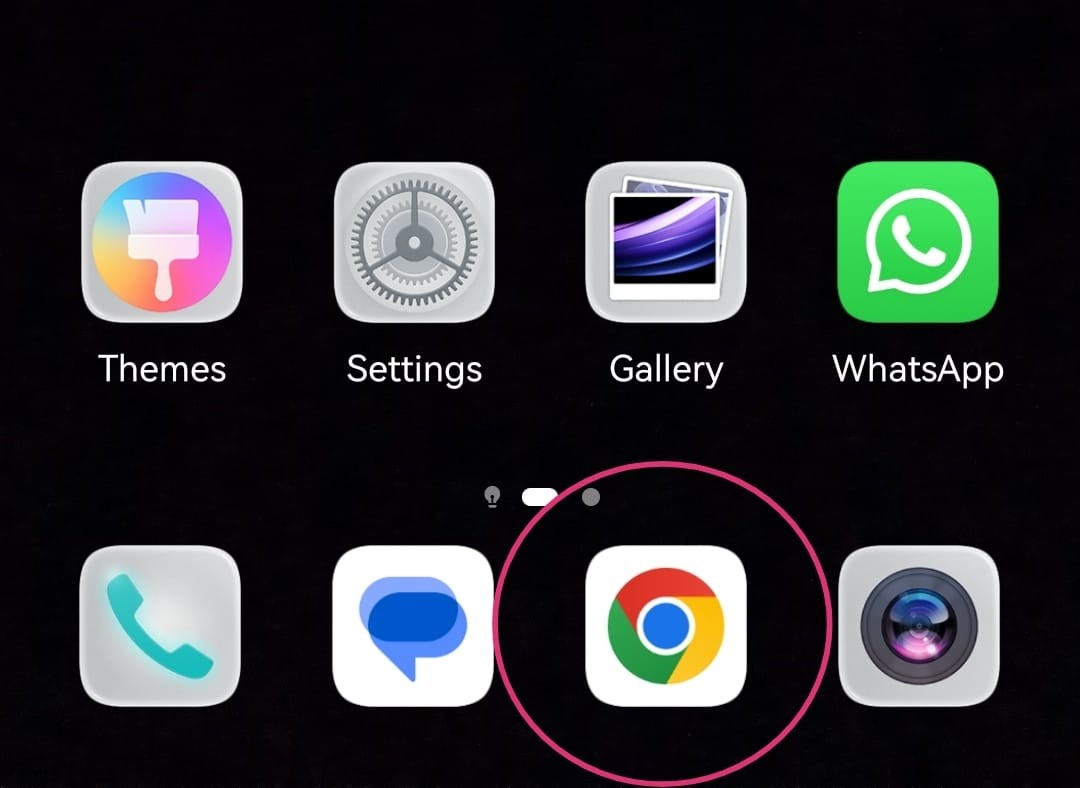
1. Go to browser (e.g. Chrome)
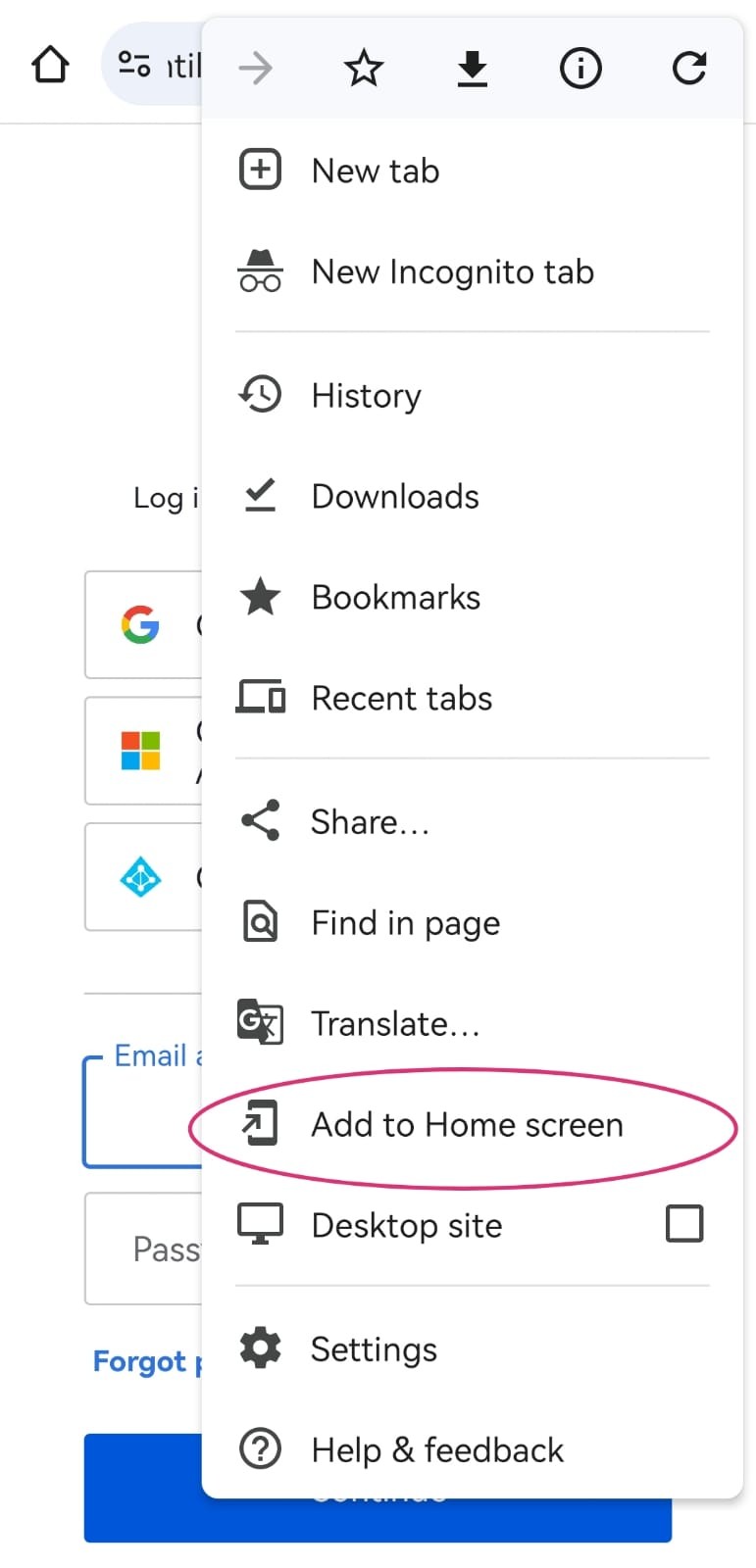
4. On resulting page, click on the 3 dots at the right upper corner
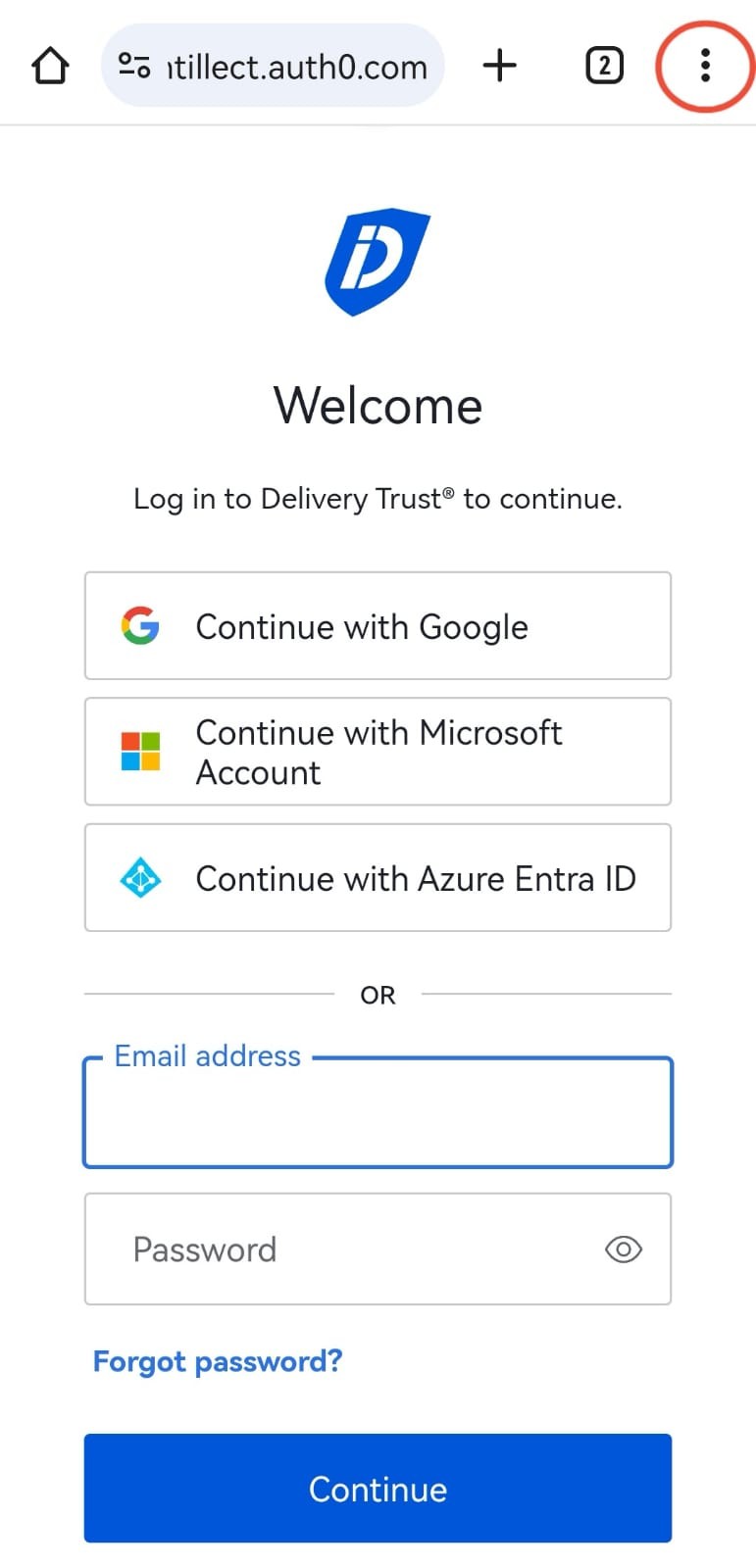
4. Select the ‘Add to Home Screen” option
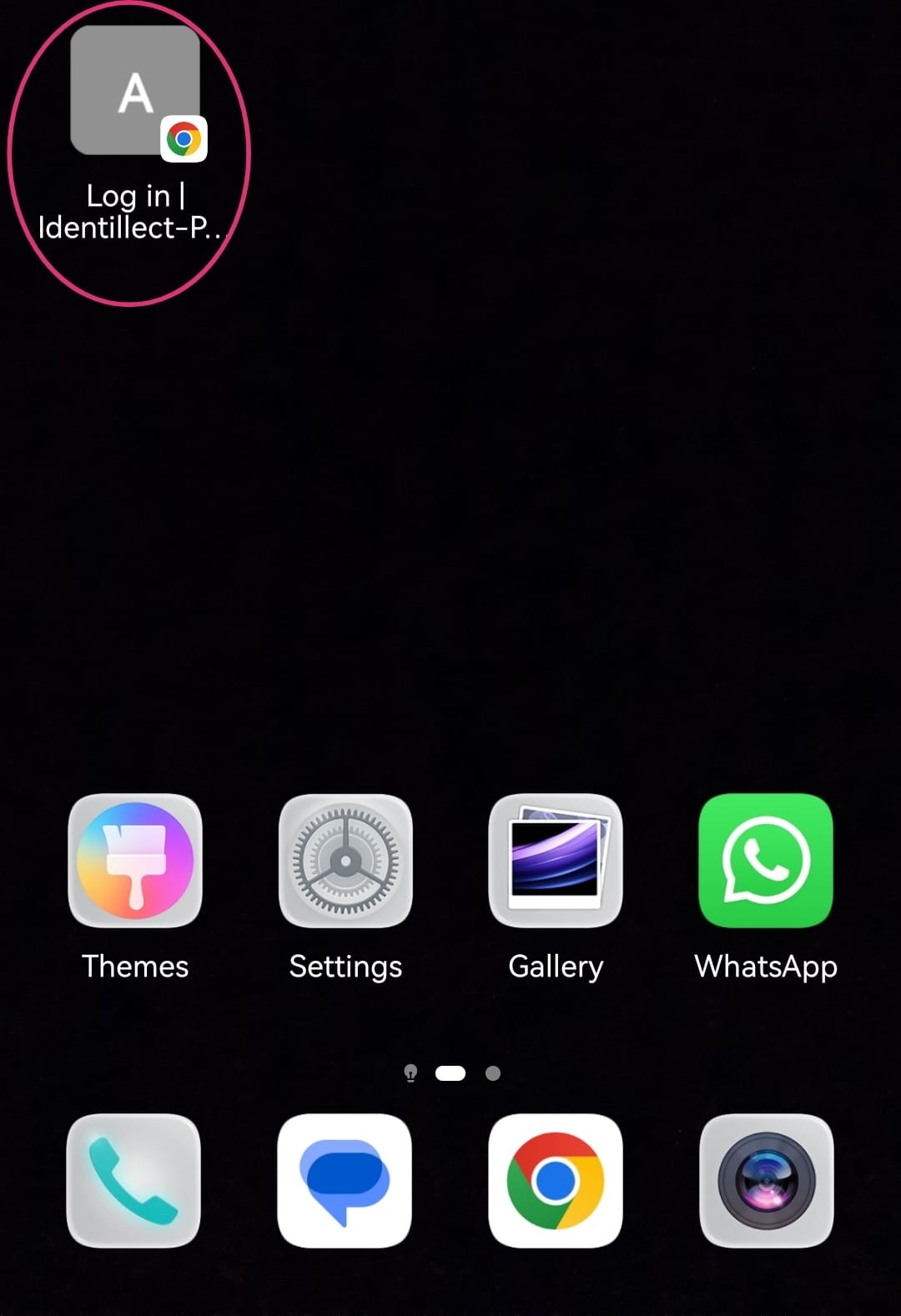
You've successfully added the Delivery Trust Web Portal to your iPhone Home Screen.
Related Topics
Was this helpful?