
New Outlook Add-In: Edit Users
This article provides step-by-step instructions on how to edit the users the Delivery Trust add-in is installed for within your Microsoft business accounts. You must be the admin of your Microsoft business account to complete.
Please note: the user must also be a registered user with Identillect.
Instructions
-
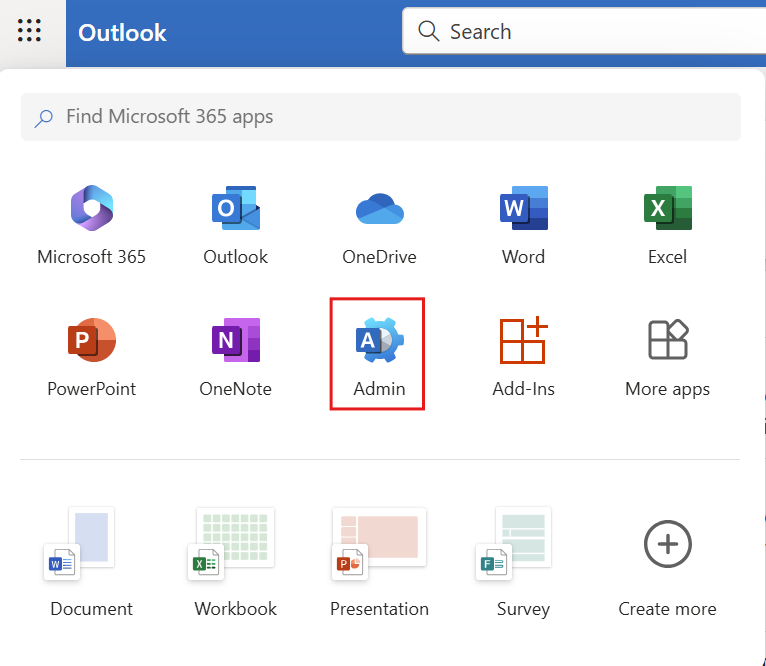
- Login to outlook.com and click on the admin icon or login directly and https://admin.microsoft.com/
- Login to outlook.com and click on the admin icon or login directly and https://admin.microsoft.com/
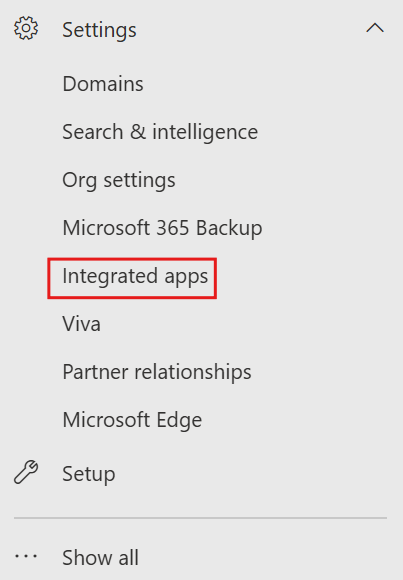
- Click on settings then integrated apps
- Click on Delivery Trust
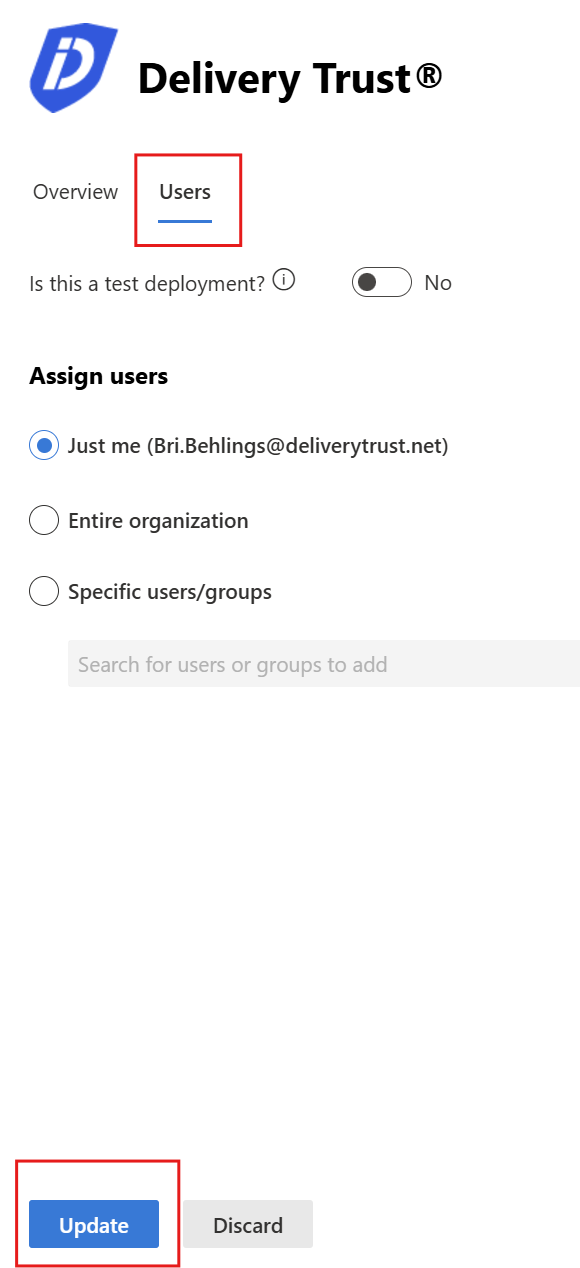
- Click on users. Choose your selection then click update

Was this helpful?