
Call Flow Control
HivePBXUpdated 10/15/2026
Manually toggle between two destinations in your call flow.
Settings
- Call Flow Toggle Feature Code Index: There are a total of 10 Feature code objects, 0-9, each can control a call flow and be toggled using the call flow toggle feature code plus the index
- Description: Description for this Call Flow Toggle Control. This behaves as the "Name" entry on most other modules.
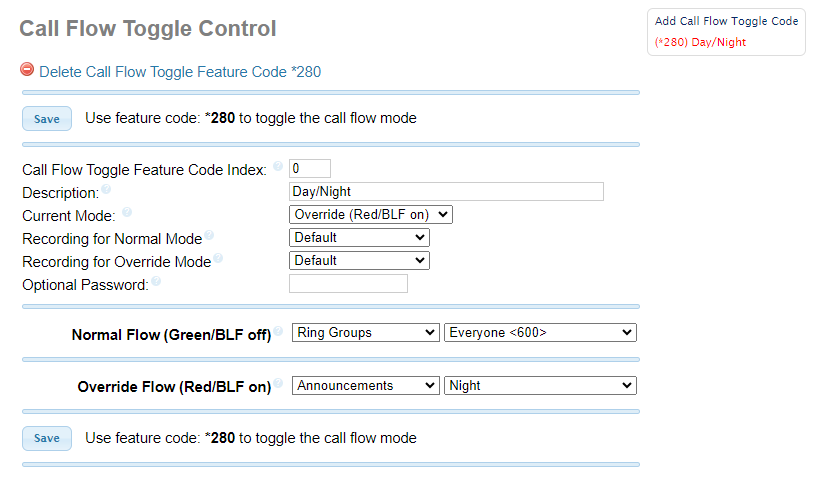
- Current Mode: This will change the current state for this Call Flow Toggle Control, or set the initial state when creating a new one
- Recording for Normal Mode: Message to be played in normal mode (Green/BLF off). To add additional recordings use the "System Recordings" MENU
- Recording for Override Mode: Message to be played in normal mode (Green/BLF off). To add additional recordings use the "System Recordings" MENU
- Optional Password: You can optionally include a password to authenticate before toggling the call flow. If left blank anyone can use the feature code and it will be un-protected
Modes
- Normal Flow (Green/BLF off): Destination to use when set to Normal Flow (Green/BLF off) mode
- Override Flow (Red/BLF on): Destination to use when set to Override Flow (Red/BLF on) mode
Figure 1: Normal Flow (Green/BLF off)
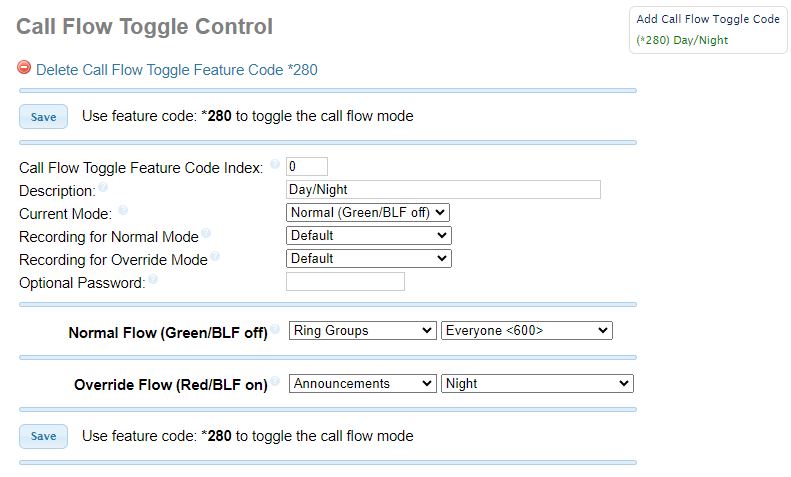
Figure 2: Override Flow (Red/BLF on)
Was this helpful?