
Web Portal: Retracting a Securely Sent Email
Retracting a securely sent email allows the sender to make the sent email no longer available to the recipient. If the recipient tries to access that email from the Web Portal they will find it is no longer available. The sender will still receive an email that provides them with a link to the portal but the link will no longer be valid.
Instructions
1. Click on the Sent messages folder found at the top of the screen.

2. Click on the Security Policies button

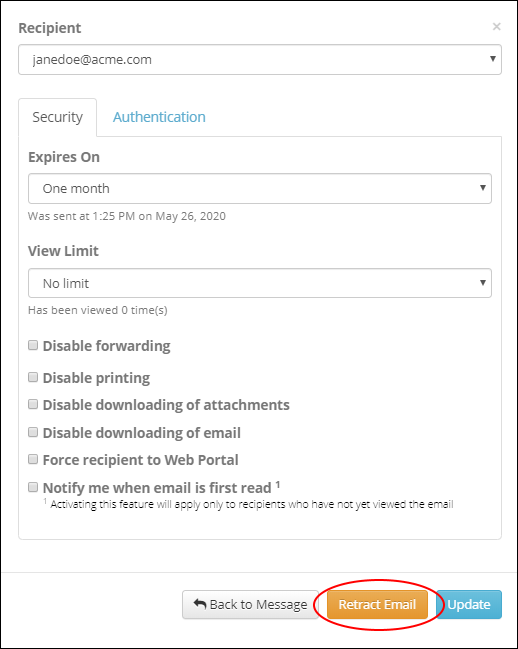
3. Once inside the Security Policies popup click on the Retract Email button to retract the email.
Related Topics
Was this helpful?